Installation
This section will show you how to install and update TIMELAPSE tool
Install
Note
Before installing, make sure you are using Blender 3.0 or higher
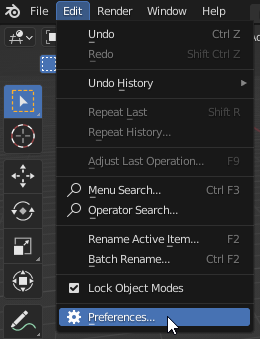
Open Blender Settings.
Open the Add-ons tab and click on the Install… button.
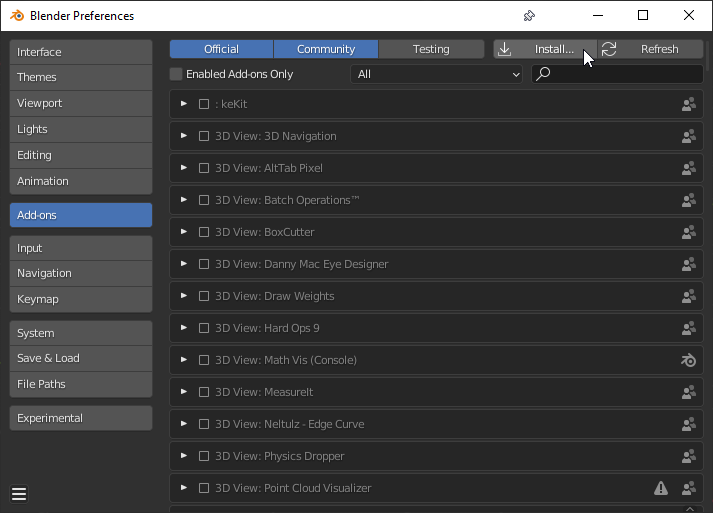
Select the file TIMELAPSE_Tool.zip.
The TIMELAPSE Tool addon should now appear in the window. Enable it by clicking the check box
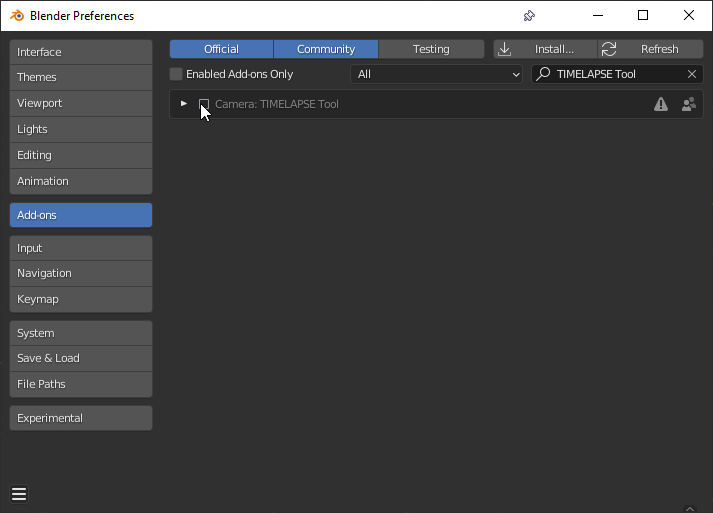
Restart Blender